



Rollambia Application
The Rollambia app lets you play your favorite games on smartphones and tablets. It’s a convenient option for players who want to stay online regardless of location or device. We offer a dedicated app and a browser version for all Android and iOS gadgets. If you log in to your account on multiple devices, your achievements and progress will be synchronized across them.



Rollambia App Features
The Roll Ambia app is built on PWA (Progressive Web Application) technology. This framework provides faster load times and smoother gameplay compared to standard browser sessions. The interface adapts to different screen sizes automatically.
About 80% of our players prefer mobile gaming to desktop. The mobile casino offers the complete game collection: online slots, table games, live casino titles and crash games. All processes work identically to the desktop platform, including registration, login, payments and the verification process. If you encounter any issues, contact us via the live chat built into the application.
| Feature | Mobile App | Browser Version |
| Installation | One-time setup from the website | No installation needed |
| Storage Usage | Minimal (cached data only) | None |
| Push Notifications | Yes | No |
| Offline Access | Partial (cached pages) | No |
| Loading Speed | Faster (optimized PWA) | Depends on the connection |
| Home Screen Icon | Yes | Manual shortcut only |
| Auto-Updates | Automatic | Always current |
Playing on PC gives you a larger screen and enhanced visuals. The desktop version works better for longer gaming sessions and provides more immersive graphics. The Rollambia app wins in portability and quick access through push notifications.
Roll Ambia App on Android Devices
Android users can access our platform on any device they prefer. The Rollambia app doesn’t require downloading large APK files. Our solution is a progressive web application that uses minimal device storage for cached data only.
To install the Roll Ambia app on Android, follow these steps:
- Visit Rollambia Casino in your preferred mobile browser
- Click “Casino App” in the footer of the main page
- Click “Install” when the button appears on the screen
- Complete the installation to add the icon to your home screen
The whole process takes a few minutes. After installation, you get direct access to the entire game library. The interface features large buttons and touch-friendly navigation that works smoothly on both smartphones and tablets.
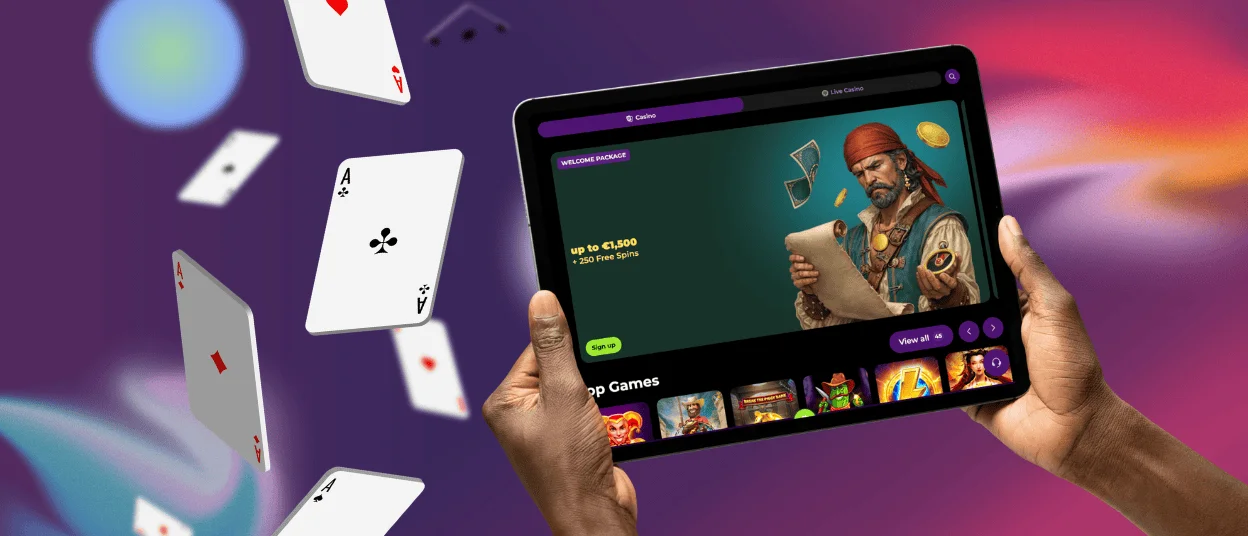
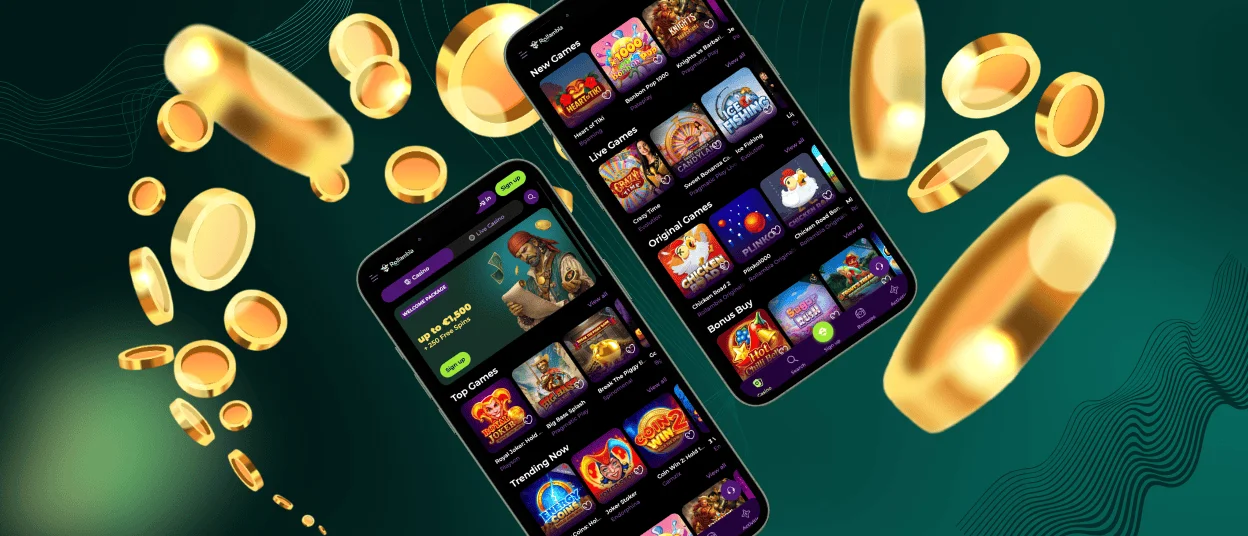
Rollambia App – iOS
iOS users have multiple ways to play at Rollambia Casino. The app is available for installation directly from our website. As the App Store has restrictions on gambling applications, you won’t find it there.
The installation process through Safari is straightforward. Go to our official website, scroll to the footer and tap the “Casino App” link. Select “Install” to add the Progressive Web Application to your home screen. Launch the app icon and log in to start gaming.
The iOS version is touch-optimized, with swipe gestures and responsive controls. Push notifications keep you informed about new bonuses, game releases and exclusive promotions. The Roll Ambia app scales perfectly to both iPhone and iPad screens.
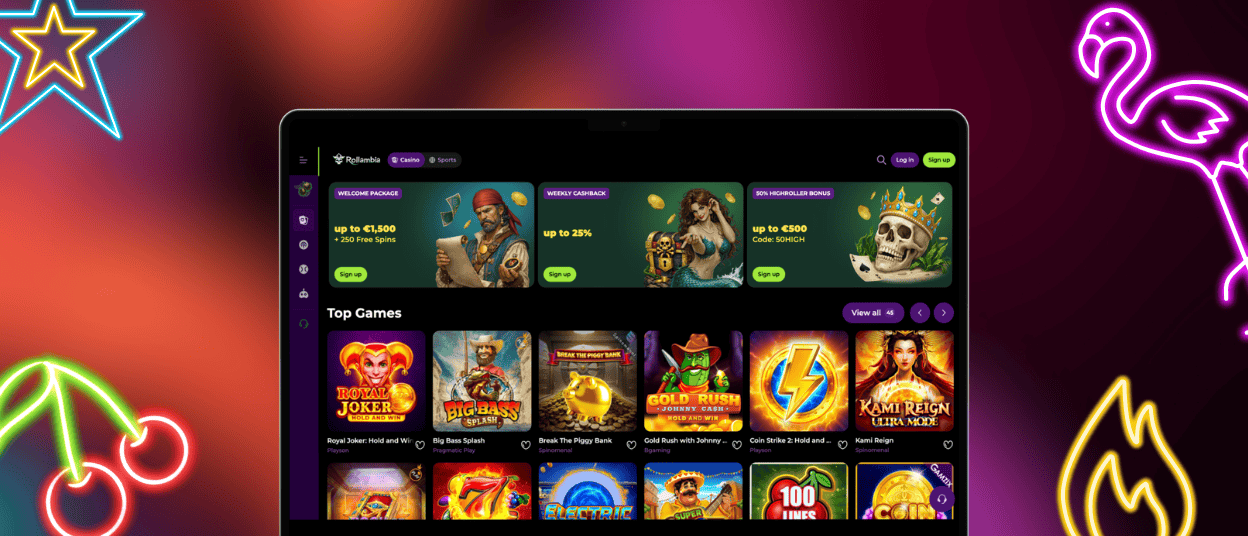
Roll Ambia Casino – Desktop Version
Playing on a PC or laptop with a large screen provides a more immersive gaming experience. All your Rollambia Casino details and preferences synchronize between mobile and desktop platforms.
The desktop version offers two main options. Browser version allows you to access our website through Safari, Google Chrome, Mozilla Firefox or Microsoft Edge without any downloads. Shortcut icon gives you faster access without opening the browser and searching for the website manually.
With a stable internet connection, you will enjoy smooth gameplay and fast loading of all features. The desktop platform provides bigger visuals and enhanced sound effects. The Support Team is available through the same live chat system as in the mobile casino.
System Requirements
The Rollambia app runs on most modern devices. Minimum specifications ensure stable performance and smooth gameplay across all platforms.
| Platform | Requirement |
| Android | Version 8.0 or higher |
| iOS | Version 14.0 or higher |
| RAM | 2 GB minimum |
| Storage | 50 MB for cached data |
| Connection | 3G/4G/5G or Wi-Fi |
| Browsers | Chrome, Safari, Firefox, Edge |
The PWA technology allows the Roll Ambia app to work efficiently even on older devices. No heavy downloads are required. The application uses device resources sparingly while maintaining high-quality graphics and fast response times.
App Security and Data Protection
Rollambia Casino uses industry-standard encryption protocols to protect all user data. The app implements AES/SSL technology for secure connections between your device and our servers. All financial transactions are processed through verified payment gateways.
The verification process confirms your identity and protects your account from unauthorized access. We store personal information according to strict data protection regulations. The Rollambia app receives regular security updates automatically through the PWA framework.
Two-factor authentication adds an extra layer of protection to your account. Session management logs you out automatically after periods of inactivity. Our security team monitors the platform around the clock to detect and prevent suspicious activities.
FAQ
How do I update the Roll Ambia app to the latest version?
The Rollambia app is a progressive web application. It updates automatically without any action required on your part. Each time you open the app with an internet connection, it checks for updates and applies them instantly.
What should I do if the app crashes or doesn’t load properly?
Check your internet connection first. Restart your device if the problem persists. Clearing the browser cache can resolve common glitches. If issues continue, contact our Support Team through live chat for technical assistance. The team is available 24/7 to help with any problems related to your gaming experience.
Is the app compatible with tablets?
The Roll Ambia app is optimized for both smartphones and tablets. The interface scales with the screen size, providing a comfortable experience on larger displays. All features work identically across different device types.


